

If your listing is live but the phone is still quiet, you are not alone. Many owners assume verification is the finish line, yet verification only gives Google permission to trust that the business exists. It does not guarantee strong local visibility, steady Google Maps traffic, or more leads. A verified Google Business Profile not getting calls is usually a sign that the profile is incomplete, inactive, poorly structured, or weaker than the profiles already ranking around it.
That matters because customers do not compare your profile to a blank page. They compare it to the top three businesses they see when they search. If a competitor has better categories, more complete services, fresher posts, stronger photos, and clearer trust signals, that competitor will often win the click and the call. In other words, a verified profile can still underperform when the profile is not being actively managed.
Verification Is Only the Starting Point
Google Business Profile verification confirms ownership or control. However, Google still looks at relevance, completeness, activity, and local intent when deciding which businesses deserve visibility. That means your description, services, business categories, service areas, photos, posts, and Q&A all help shape performance. When those sections are weak, a verified Google Business Profile not getting calls becomes a predictable outcome.
Moreover, many businesses verify the profile once, add basic hours, and then leave it alone for months. Over time, competitors continue updating their listings while the inactive profile slowly loses momentum. Google wants accurate, fresh, helpful information. Therefore, consistency matters almost as much as setup.
Common Reasons a Verified Profile Underperforms
First, the primary category may be too broad or simply wrong. If a plumbing company uses a generic category when competitors use more targeted categories and service details, Google may not understand exactly when to surface that listing. Second, many profiles do not fully build out the services section. Without detailed service entries, local search relevance is weaker for high-intent searches.
Third, weak profile content reduces trust. Thin descriptions, outdated hours, few photos, and missing attributes make the business look less active. Fourth, many owners ignore reviews and Q&A. Even if review count is decent, unanswered questions and stale responses can lower customer confidence. Finally, an inactive posting schedule can signal that the profile is not being maintained. When a verified Google Business Profile not getting calls has all of these issues at once, the problem is usually not verification. It is profile quality.
How to Improve Calls and Clicks
Start by tightening the profile structure. Make sure the main category matches the core service buyers search for most. Then build out secondary categories only when they truly reflect the business. After that, expand the services section with clear, keyword-aware service names and simple descriptions that sound natural.
Next, improve conversion elements. Add strong business photos, refresh the business description, review hours, and make sure the phone number and website link are correct. Then create a monthly posting habit that highlights services, locations, FAQs, and trust-building updates. A profile with useful content tends to attract better engagement than a profile that looks abandoned.
You should also review the Q&A area and add owner-approved answers to common buyer questions. This helps users and gives Google more context. Finally, monitor performance trends instead of guessing. When impressions rise but calls do not, the issue may be conversion. When visibility is low across the board, the issue is usually optimization and activity.
Why Ongoing GBP Management Makes a Difference
A verified Google Business Profile not getting calls often improves when the profile receives ongoing work rather than one-time edits. Monthly management keeps the listing active, aligned with real search behavior, and updated as services, seasons, and customer questions change. That ongoing activity helps the profile stay relevant in local search and Google Maps.
For a new company like GBP Biz Manager, this is a key message to communicate. Business owners do not just need a verified profile. They need a profile that earns attention, builds trust, and converts interest into phone calls. When verification is paired with strategy and maintenance, the listing becomes a growth asset instead of a forgotten directory page.
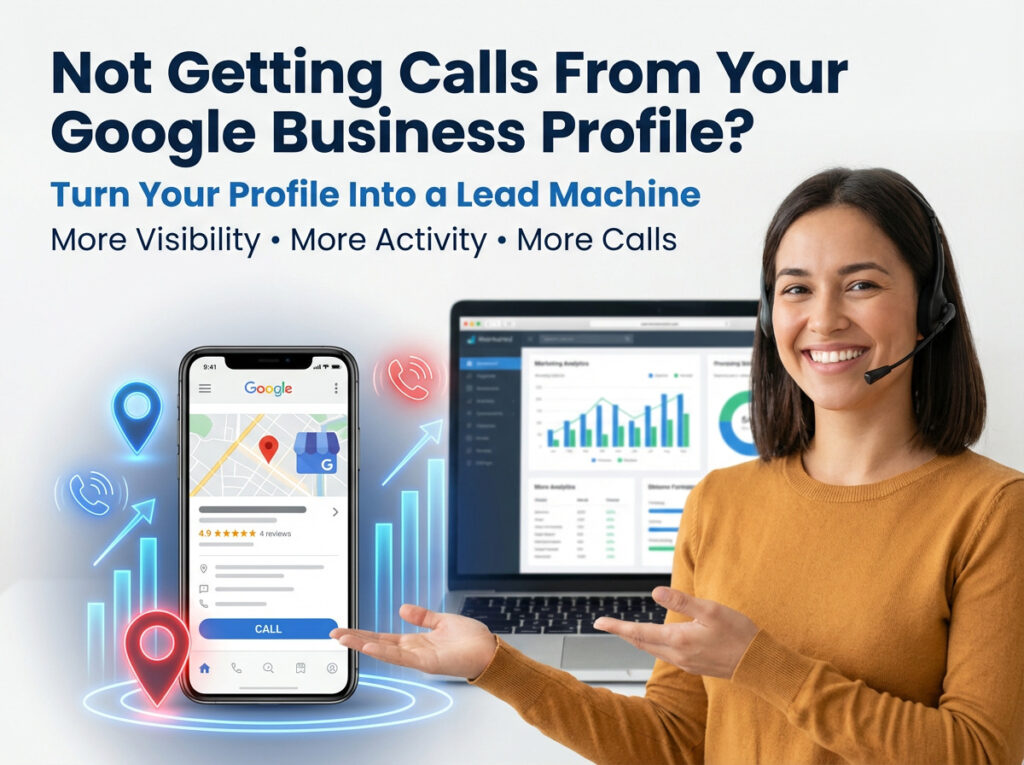
If your verified Google Business Profile is not getting calls, GBP Biz Manager can help you identify what is missing and turn your profile into a stronger lead source. Reach out today to get a done-for-you plan for better local visibility, better profile activity, and more qualified calls from Google.
FAQ
Why is my verified Google Business Profile not getting calls?
The most common reasons are weak category targeting, incomplete services, low activity, poor photo quality, missing trust signals, or stronger competitors in your area.
Does verification improve rankings by itself?
Verification is necessary, but it is not enough by itself. Google still evaluates relevance, completeness, freshness, and user engagement.
How long does it take to improve a low-performing profile?
Many businesses can see early movement within a few weeks after improving structure, content, and activity, although the timeline depends on competition and profile history.
Can GBP Biz Manager help if my profile is already live?
Yes. A live profile can still be optimized through better categories, services, posts, Q&A, photos, and ongoing management.